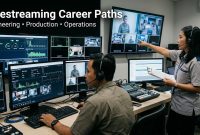
Livestreaming often looks like entertainment from the outside. Someone turns on a camera, talks to an audience, reacts to comments, sells a product, teaches a lesson, or hosts an online event. It can look casual, almost too simple. But behind a good live session, there are real skills working quietly in the background.
That is why career paths in livestreaming are becoming more interesting for people who want to enter digital media. Livestreaming is no longer only for influencers or gamers. It is also used by schools, brands, event teams, online stores, training companies, communities, and media businesses.
For beginners, this is good news. Learning livestreaming does not mean you must become a famous creator. The skill can support different career directions, from technical production to audience engagement. It is like one key that does not open only one door.
Livestreaming Is Becoming A Practical Digital Media Skill
Before looking at the career paths, it helps to understand why livestreaming matters in the first place. A live session brings together communication, media production, audience response, platform knowledge, and basic technology in one real-time format.
Unlike edited videos, livestreaming does not wait politely. The moment happens now. The host has to speak now. The audio must work now. The audience may ask questions now. That pressure is exactly why people who understand livestreaming can be useful in many digital roles.
It Combines Content And Technology
Livestreaming sits between creative content and technical setup. A person working in this field may need to understand cameras, microphones, internet connection, platform settings, topic planning, and audience behavior.
This does not mean every beginner must master everything. But knowing the connection between these parts can make someone more valuable in a digital media team.
It Supports Many Online Activities
Live content is used for product launches, online classes, webinars, customer education, interviews, concerts, gaming sessions, charity events, and live shopping. Because of that, livestreaming skills can move across industries.
A person who starts with small live sessions can later work in marketing, education, production, sales, or event support.
8 Career Paths In Livestreaming Beginners Can Explore

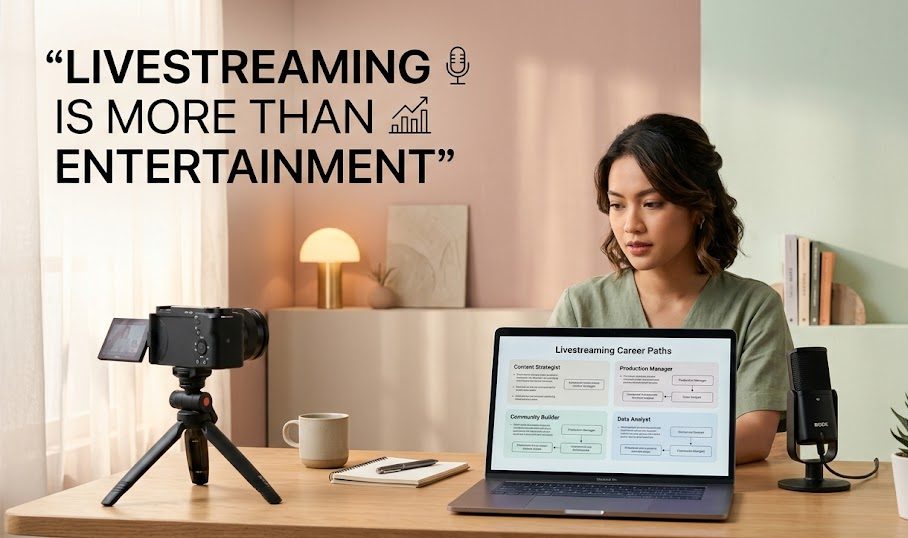
These career paths are not all the same. Some focus on being in front of the camera, while others happen behind the screen. That is what makes livestreaming interesting. There is room for talkative hosts, quiet planners, technical problem-solvers, and people who enjoy reading audience behavior.
1. Livestream Host
A livestream host is the person who leads the session. They welcome viewers, explain the topic, manage the flow, respond to comments, and keep the audience engaged.
This role is common in:
- online events
- product demos
- interviews
- brand sessions
- community broadcasts
- educational streams
A good host does not only talk. They guide the room. They know when to explain, when to pause, when to invite questions, and when to move to the next part.
For beginners, this path is useful if they enjoy communication and can practice speaking clearly. Confidence helps, but structure matters more than loud energy.
2. Live Shopping Presenter
Live shopping has created a career path for people who can explain products in real time. A live shopping presenter introduces items, answers viewer questions, highlights benefits, and creates a buying experience that feels direct.
This role needs more than sales talk. A presenter should understand product details, audience objections, pacing, and trust.
For example, instead of only saying, “This product is good,” a stronger presenter explains who it is for, how it is used, what problem it solves, and what buyers should check before ordering.
That small difference can turn a noisy sales session into a useful product guide.
3. Webinar And Online Training Facilitator
Many organizations use webinars and online training sessions. A facilitator helps keep these sessions organized. They may introduce speakers, manage questions, guide participants, monitor chat, and help the event stay on schedule.
This path is suitable for people who like education, coordination, and professional communication.
A facilitator may not always be the main speaker. Sometimes their role is like a quiet bridge between the presenter and the audience. When they do their job well, the session feels smooth. When they are missing, confusion starts knocking on the door.
4. Livestream Producer
A livestream producer works behind the scenes. They help plan the session, prepare the flow, check technical needs, coordinate speakers, and make sure the broadcast runs properly.
In larger events, a producer may handle:
| Task | Why It Matters |
|---|---|
| Run of show | Keeps the event organized |
| Speaker coordination | Helps guests know when to speak |
| Technical check | Reduces problems during the live session |
| Content flow | Makes the broadcast easier to follow |
| Backup planning | Prepares for unexpected issues |
This role is good for people who enjoy organizing details. The producer may not always appear on screen, but they often hold the whole session together like invisible stitches in a clean shirt.
5. Streaming Technical Assistant
A streaming technical assistant focuses on the technical side of live content. They may help with cameras, microphones, lighting, internet connection, software, screen sharing, and troubleshooting.
This path is useful for people who like solving problems. When a stream freezes, sound fails, or a guest cannot connect, the technical assistant becomes very important.
The job does not always require advanced engineering knowledge at the beginning. Many entry-level tasks involve checking basic setup, testing devices, preparing links, and making sure the platform is ready.
Over time, this path can grow into more advanced live production or broadcast technology roles.
6. Social Media Live Coordinator
A social media live coordinator helps brands, creators, or organizations manage live sessions on platforms such as TikTok, Instagram, Facebook, or YouTube.
Their work may include planning topics, scheduling sessions, writing captions, preparing reminders, monitoring comments, and reviewing performance after the session ends.
This role connects livestreaming with digital marketing. It is useful for people who understand both content and platform behavior.
A live session on social media does not stand alone. It needs promotion before the event, engagement during the event, and follow-up after it ends. The coordinator helps connect those pieces.
7. Community Engagement Specialist
Some livestreams are built around communities. These may include fan groups, learning communities, hobby groups, customer groups, or membership spaces.
A community engagement specialist focuses on the audience relationship. They notice questions, encourage participation, manage tone, and help viewers feel included.
This role needs patience and emotional awareness. Not every comment needs the same response. Not every quiet audience is bored. Sometimes people are listening carefully. Sometimes they need a small invitation to participate.
Livestreaming can make a community feel alive because people meet in real time. A good engagement specialist helps that real-time space feel more welcoming and less chaotic.
8. Livestream Content Strategist
A livestream content strategist thinks about the bigger plan. They help decide what kind of live sessions should be created, who the audience is, what topics matter, and how each session supports a wider goal.
This path is more strategic than technical. It may involve content calendars, topic research, audience analysis, performance review, and format testing.
For example, a strategist may ask:
- What problem does this live session solve?
- Who is the target audience?
- What format fits the topic?
- Should the session be educational, promotional, or interactive?
- What should happen after the live session ends?
This role is useful for people who like planning and analysis. It shows that livestreaming is not only about what happens on screen, but also why the session exists.
Which Livestreaming Career Path Fits Your Strengths
Choosing a path becomes easier when beginners understand their natural strengths. Not everyone needs to be the host. Not everyone needs to be technical. Livestreaming offers different rooms for different kinds of people.
If You Like Speaking
You may enjoy becoming a host, presenter, trainer, or live shopping presenter. These paths need communication, confidence, and the ability to explain things clearly.
If You Like Organizing
You may fit production, event facilitation, or content coordination. These roles need planning, scheduling, and calm attention to details.
If You Like Technology
Technical assistant, streaming setup support, or production tools may be better. These roles need patience, testing, and problem-solving.
If You Like Audience Behavior
Community engagement, social media live coordination, or content strategy may be a good match. These paths need curiosity about what people watch, ask, and respond to.
What Beginners Should Learn First
A career in livestreaming does not require a perfect start. Beginners can begin with basic skills and build slowly. The most important thing is knowing which foundation matters.
Start with these skills:
- clear speaking
- simple content planning
- basic camera and audio setup
- audience interaction
- platform understanding
- online safety
- session review
- basic troubleshooting
These skills are useful across many livestreaming roles. Even if someone later chooses a technical path, understanding the audience side still helps. If someone chooses hosting, basic technical knowledge still prevents panic.
A More Realistic Way To See Livestreaming Careers
Livestreaming is not a magic career ticket. It will not automatically create income, popularity, or professional success. But it is a practical skill that can support many digital media roles when learned seriously.
Some people may use it to become creators. Others may use it behind the scenes. Some may support online events, help brands sell products, teach classes, manage communities, or improve technical production.
That is what makes livestreaming more than entertainment. It is a meeting point between communication, technology, and real-time audience experience. For beginners who are willing to learn the basics, practice often, and understand where their strengths fit, livestreaming can become a useful bridge into the digital media world.

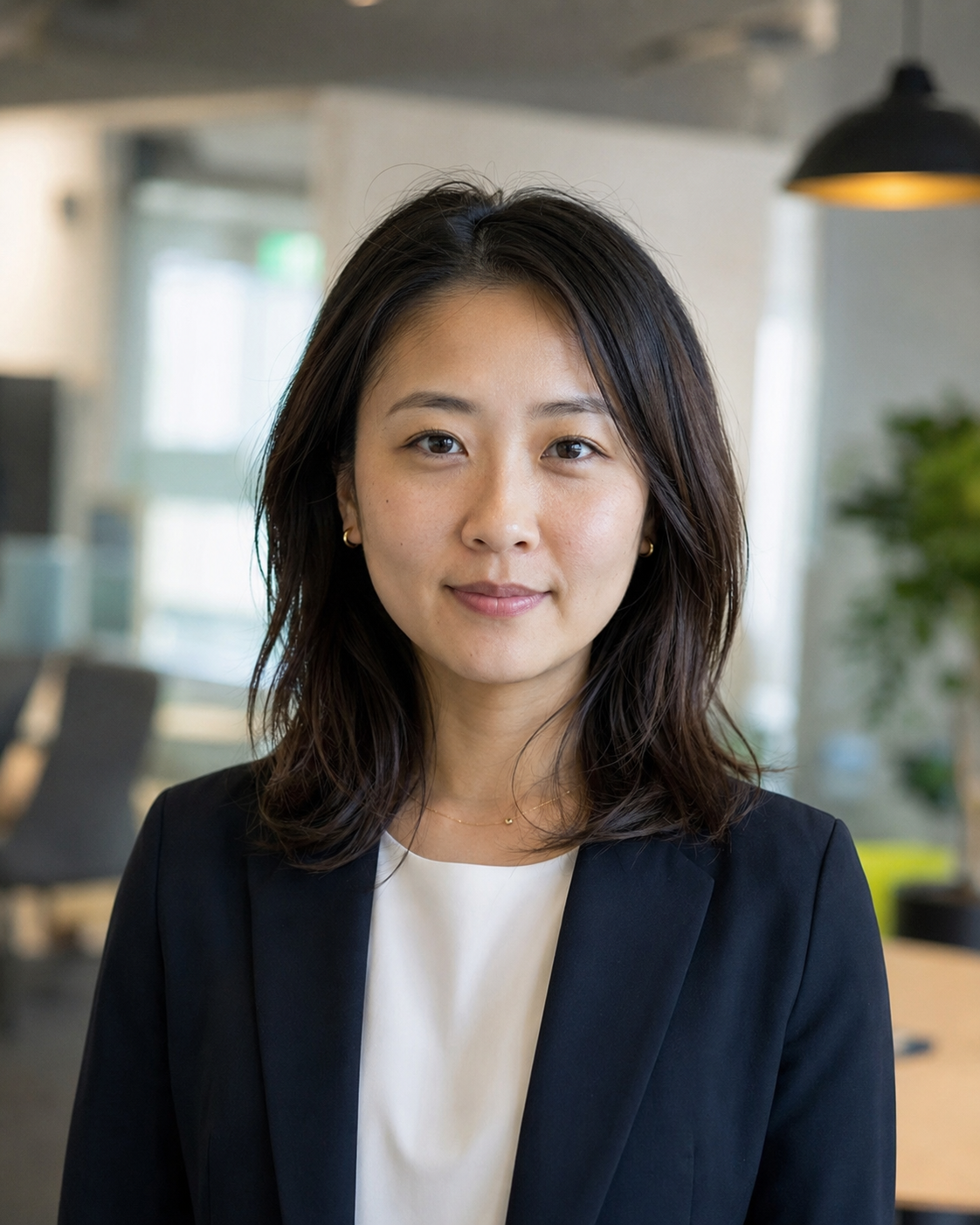
Natsumi Kurose is a former digital learning coordinator who spent more than eight years helping universities, language schools, and professional training providers deliver live online classes.
She has worked with instructors on camera preparation, audience interaction, webinar structure, and technical rehearsal. Her writing focuses on livestreaming education, practical skills, online certifications, and learning programs for aspiring hosts and digital media professionals.